

Professional Headshot
Classic Corporate Headshot
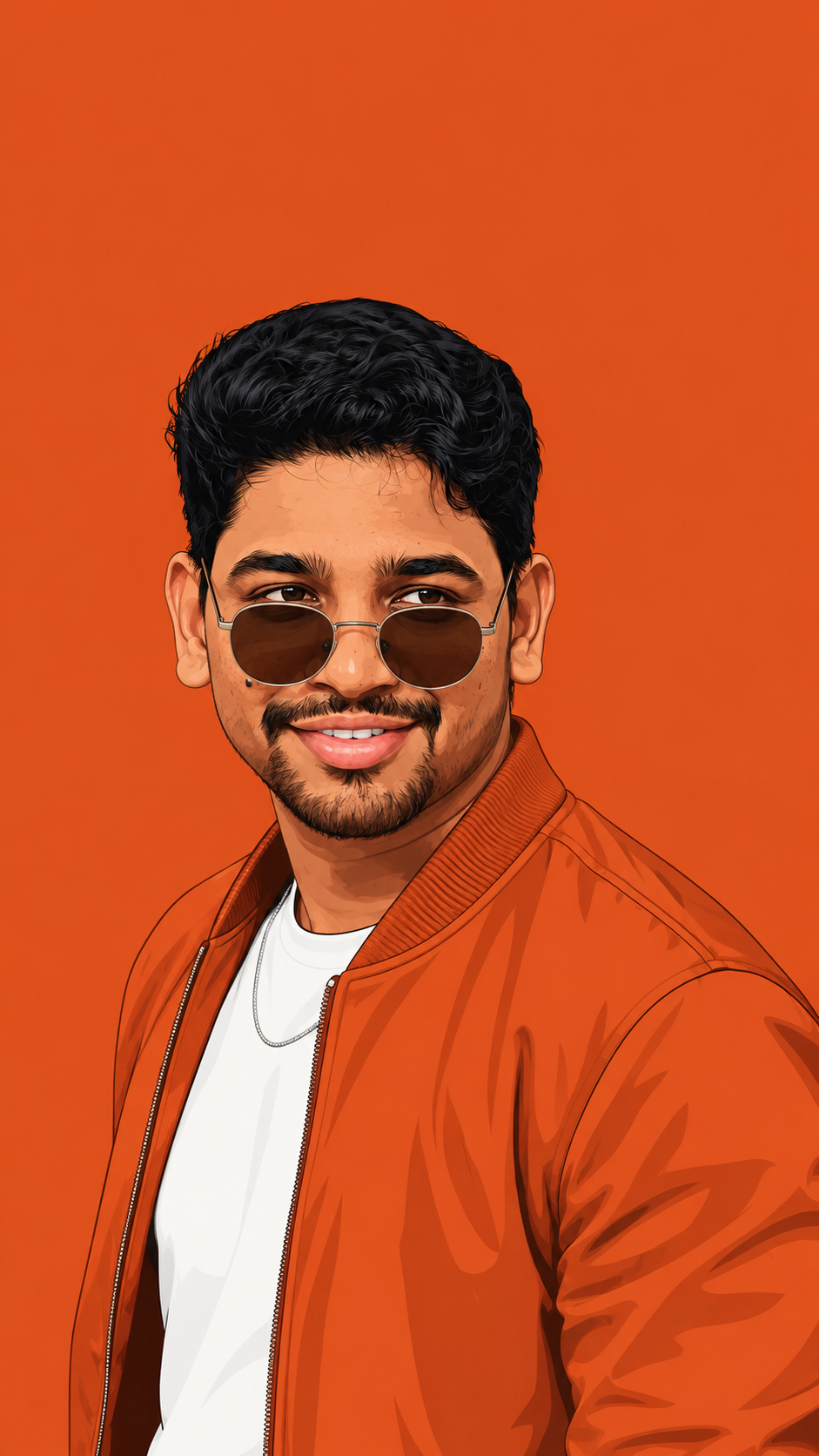
Create an ultra-realistic professional studio headshot using the attached reference photo as the ONLY facial…
7 1

QUALITY & COMPOSITION: Hyper-realistic cinematic 8K render, Octane/Unreal Engine 5 style. Vertical 4:5 aspect ratio.
 Written by
Abdul Mohammad
Written by
Abdul Mohammad
QUALITY & COMPOSITION: Hyper-realistic cinematic 8K render, Octane/Unreal Engine 5 style. Vertical 4:5 aspect ratio. A medium-wide, low-angle shot that emphasizes the monumental scale of the artwork. The frame is dominated by a massive, towering sandstone monolith.
SCULPTURE DESIGN & MATERIAL (CRITICAL): A monolithic block of warm, textured tan sandstone. The central focus is a giant, exquisitely detailed female face (strictly matching the reference identity) emerging from the heart of the stone. The facial skin is perfectly polished and smooth, while the rest of the block remains raw, fractured, and jagged. The hair is carved in thick, deep, flowing waves that transition realistically from smooth strands into the rough, unhewn top and sides of the stone. Include visible stepped carving planes and deep chisel gouges where the face meets the raw material.
THE SCULPTOR & DETAIL: On the right side, a dust-covered male sculptor in rugged work clothes is captured mid-swing, mallet hitting a chisel against the stone. He is significantly smaller than the face to show the immense scale. Fine stone dust is actively exploding and suspended in the air at the point of impact. The floor is covered in realistic stone chips, rubble, and heavy carving tools.
LIGHTING & ATMOSPHERE: Rustic, stone-walled workshop at golden hour. Intense natural side-lighting streams through a large window on the right, creating sharp volumetric rays (God rays) that catch the floating dust. Strong rim lighting highlights the textures of the raw stone and the sculptor's silhouette. Warm earthy tones with deep, cinematic shadows.
Pick a tool and it opens with this prompt ready to run — no copying required.
Not every platform accepts a prompt through a link. Where it cannot, the button still opens the tool and copies the prompt for you.
More from Creative Professional.
Create an ultra-realistic professional studio headshot using the attached reference photo as the ONLY facial…
Create a hyper-realistic premium cinematic portrait of a young handsome man using the uploaded photo as the…
Same style, different subject — .
Create a hyperrealistic studio portrait, warm friendly man standing casually leaning against wall copying ex…
a modern black watch on his wrist. His pose is stylish and bold, with one fist gently raised near his chin.
Dramatic black-and-white studio portrait of a man, wearing round vintage sunglasses.
This stylish poster concept is perfect for anyone looking to create a premium birthday
Every category ships prompts with negative prompts, captions, hashtags and tested model settings.
Picked up where you left off — stored only in this browser.


Community notes (0)